Free printable PDF · No watermark
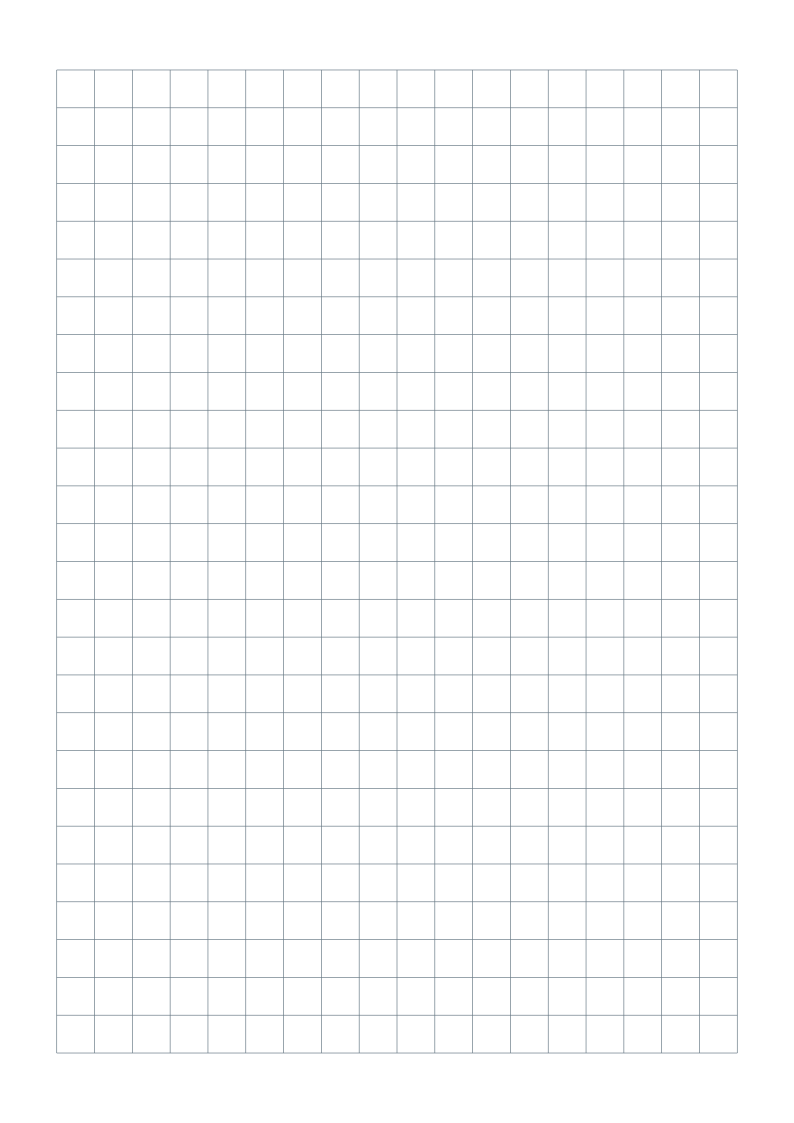
College ruled paper.
A familiar ruling for lecture notes, homework and everyday writing.
Choose your paper size
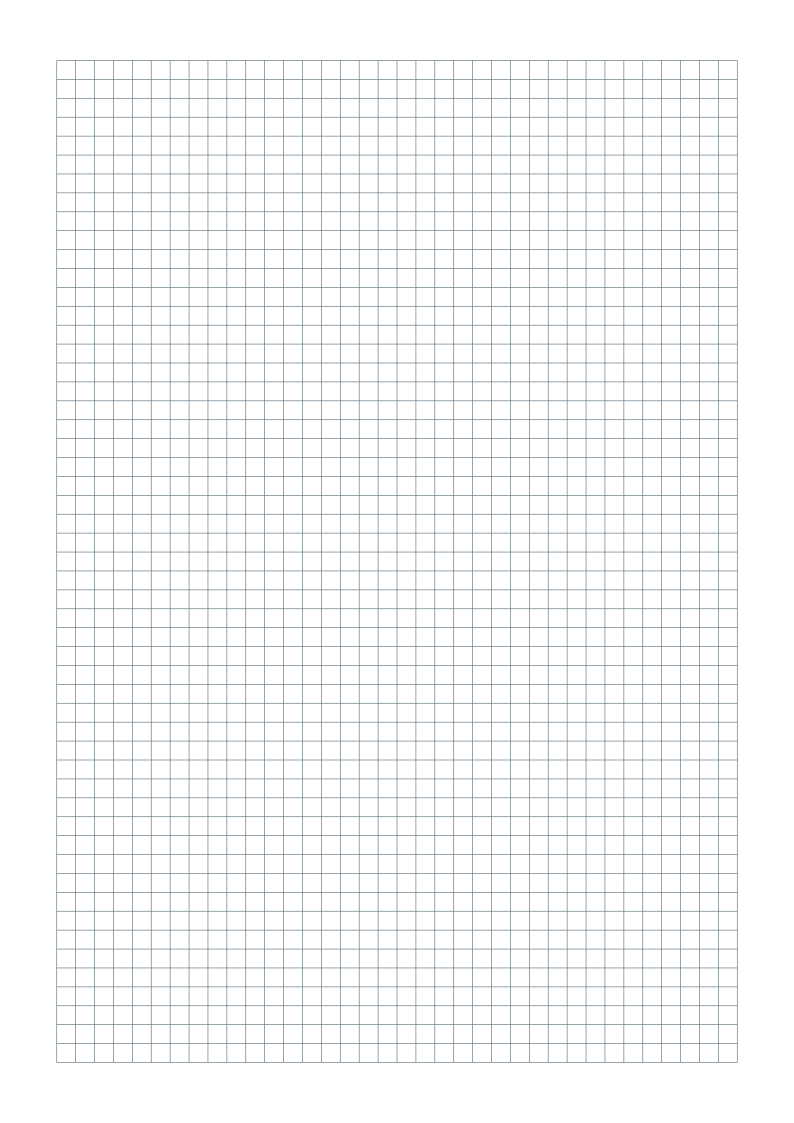
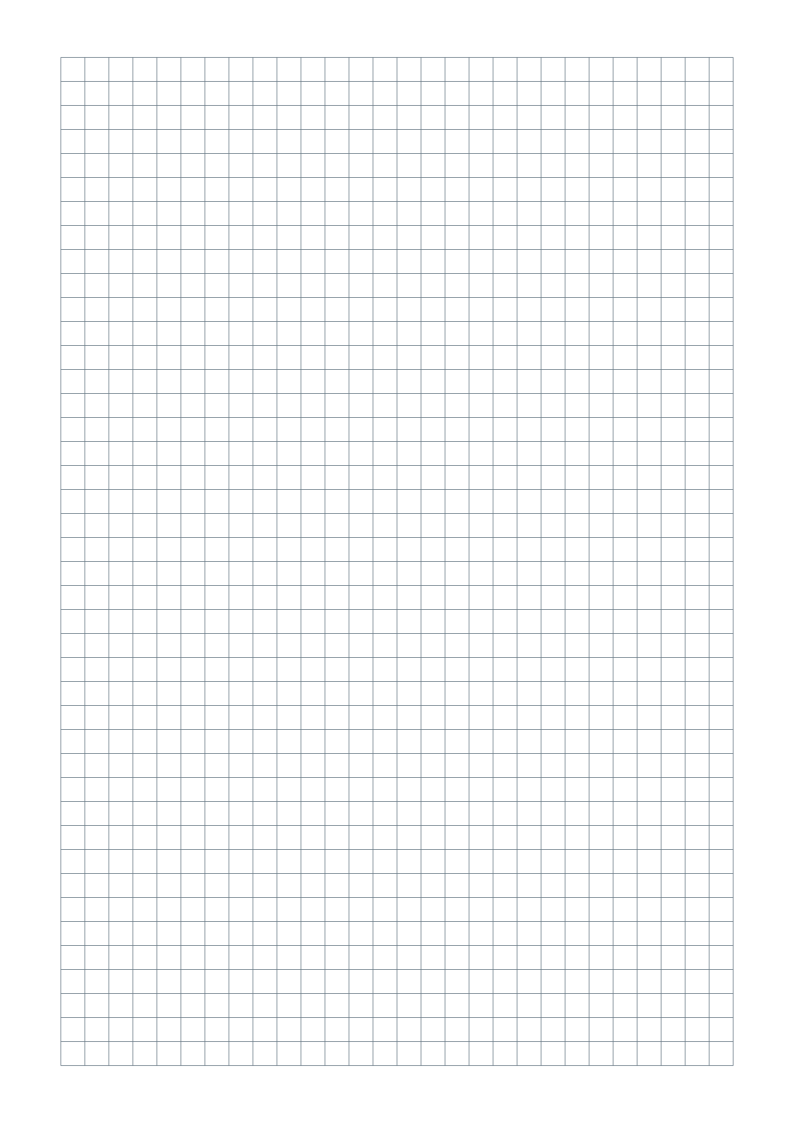
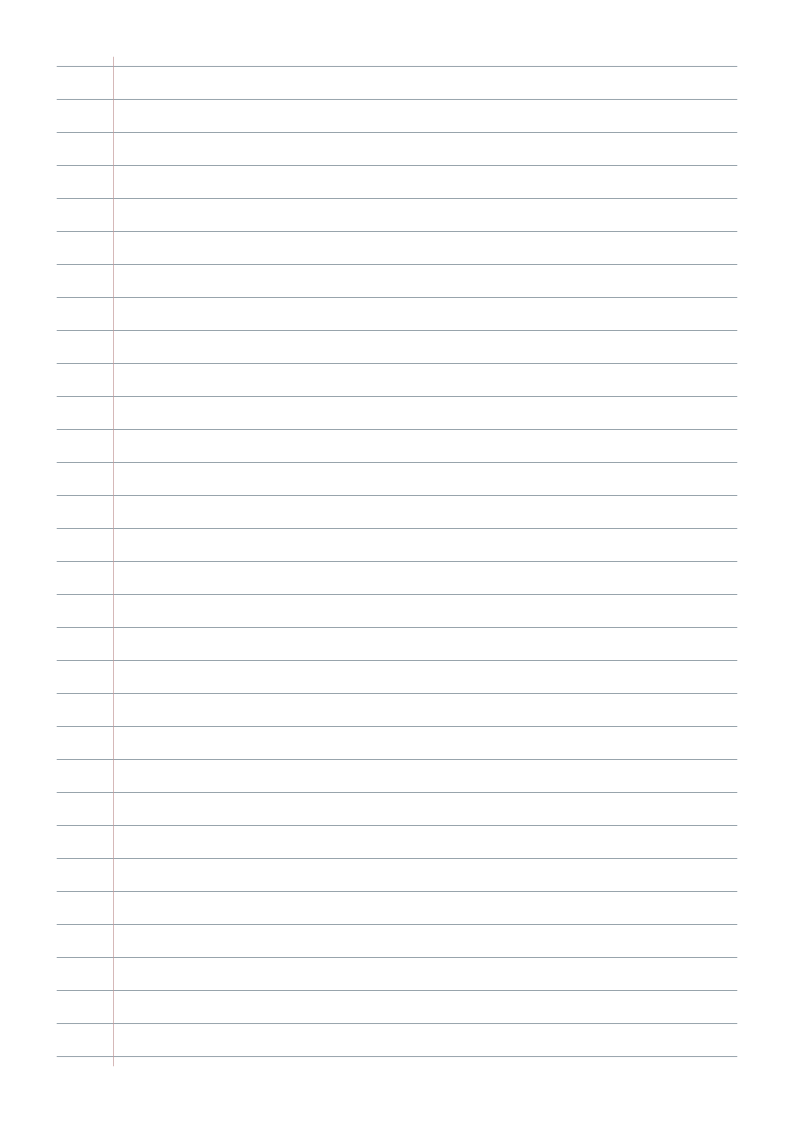
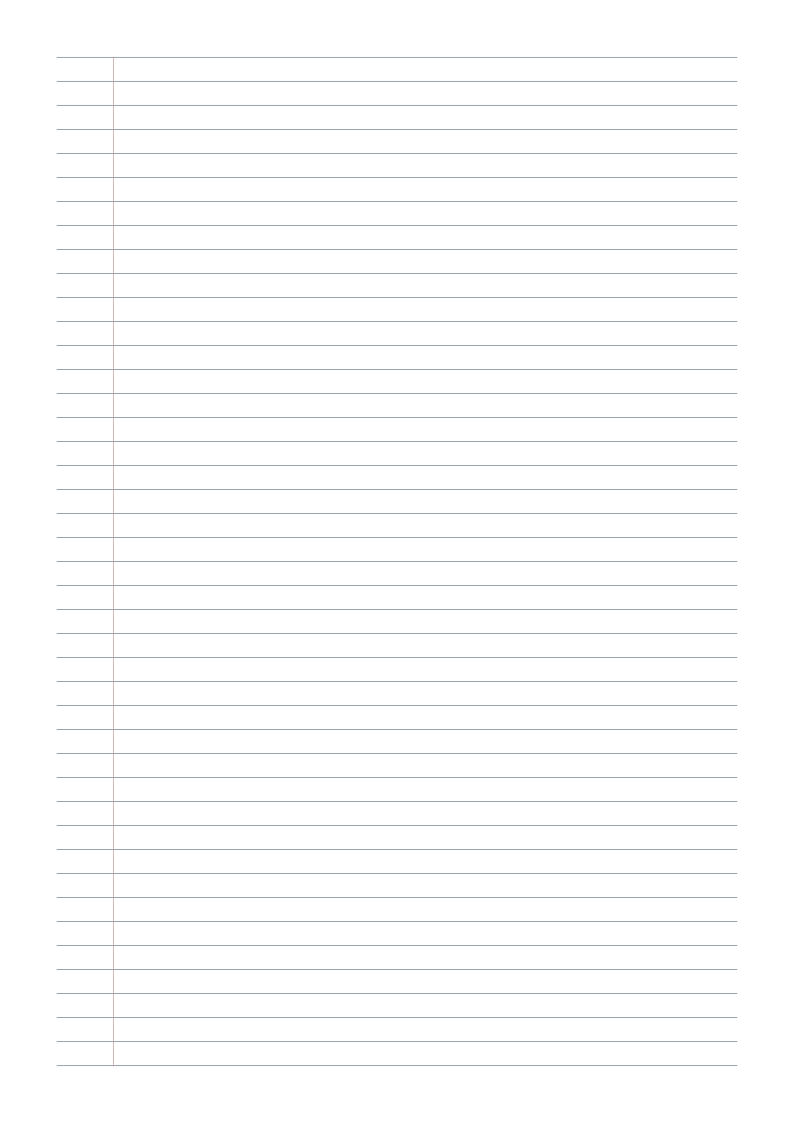
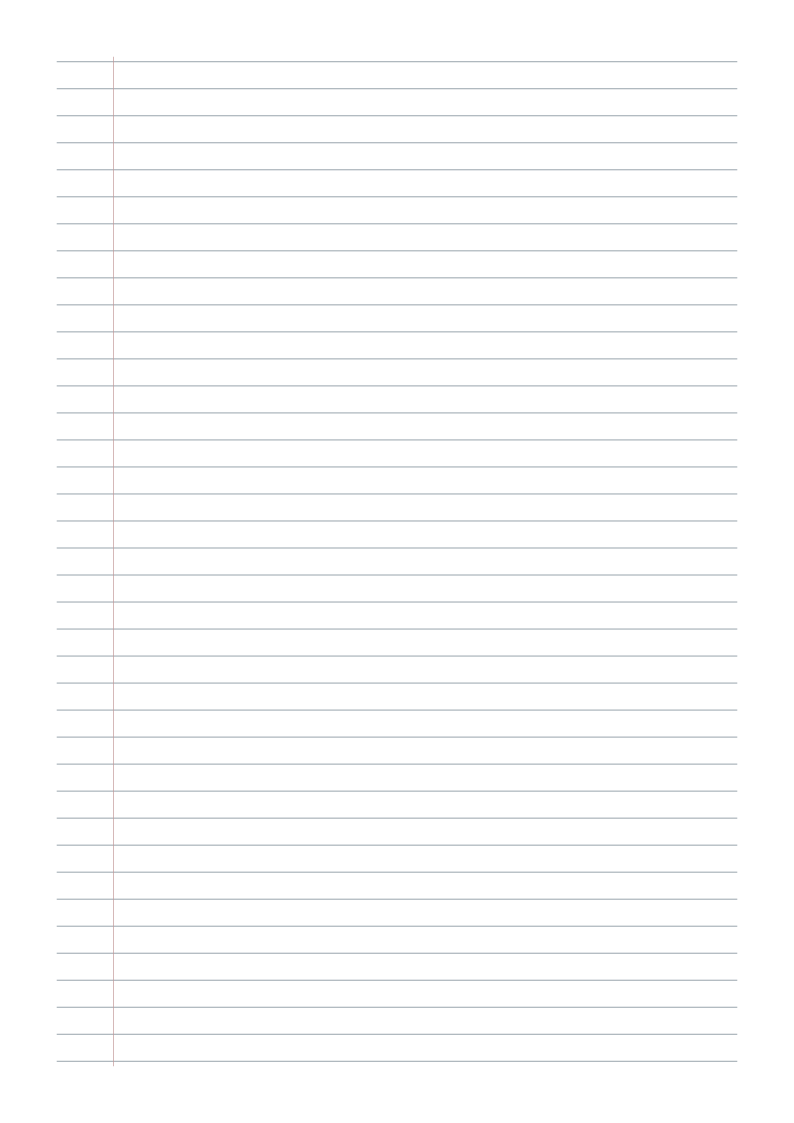
Portrait sheets with 7.14375 mm ruling between lines, gray lines and at least 15 mm margins. No title, name/date fields or footer.
One-page vector PDFs · Free for personal, classroom and business use
Customize this ruling in the generator ↗
Need help choosing? Compare A4 and US Letter.
What is included?
| Format | Page size | Pattern |
|---|---|---|
| A4 | 210 × 297 mm | 38 writing lines |
| US Letter | 215.9 × 279.4 mm | 35 writing lines |
The spacing stays the same physical size across paper formats. A red writing guide is included, 30 mm from the left page edge. There are no punched holes.
How far apart are the lines?
This template uses 9/32 inch (7.14375 mm) from one writing line to the next. Changing from A4 to Letter changes how many lines fit, while keeping that spacing. Notebook and school requirements can vary; use the measurement your assignment specifies.
Choose a ruling that suits your handwriting
College ruling here is 9/32 inch (7.14375 mm), wide ruling is 11/32 inch (8.73125 mm), and narrow ruling is 1/4 inch (6.35 mm). Compare college ruled, wide ruled and narrow ruled before printing a batch.
Make the page your own
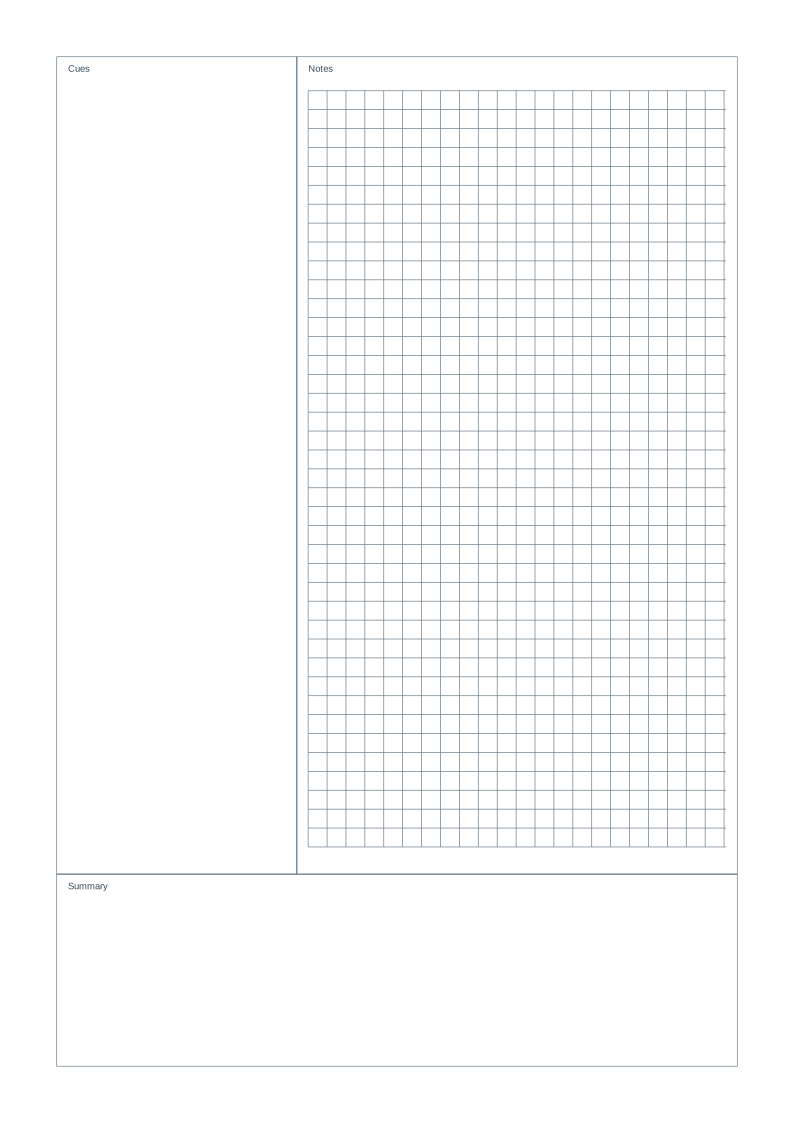
Use the lined paper generator to remove the red writing guide, change line color or add a title and name/date fields. For questions beside your notes and a separate summary box, try Cornell notes. For numbered graphing exercises, use coordinate paper.
Print at the right size
- Download the version matching the paper in your printer.
- Open the PDF and select portrait, Actual size or 100%. Disable Fit, Shrink and multiple pages per sheet.
- Print one test sheet and measure eight line intervals: they should span 57.15 mm.
Read the full actual-size printing guide ↗
Common questions
How do I check college ruled paper after printing?
Measure eight intervals between writing lines: they should span 57.15 mm. Count the gaps rather than the lines, use matching paper, and disable Fit or Shrink in the print dialog.
Can I add a title, name/date or footer?
Yes. Open this preset in the generator, then enable the optional fields. You can also adjust margins, color, orientation and spacing before exporting a new PDF.
Can I share these sheets with my class?
Yes. You may download, print and photocopy the sheets for personal, classroom and business use. Share this page so others can choose the right paper format.