Free printable PDF · No watermark
Cornell graph paper.
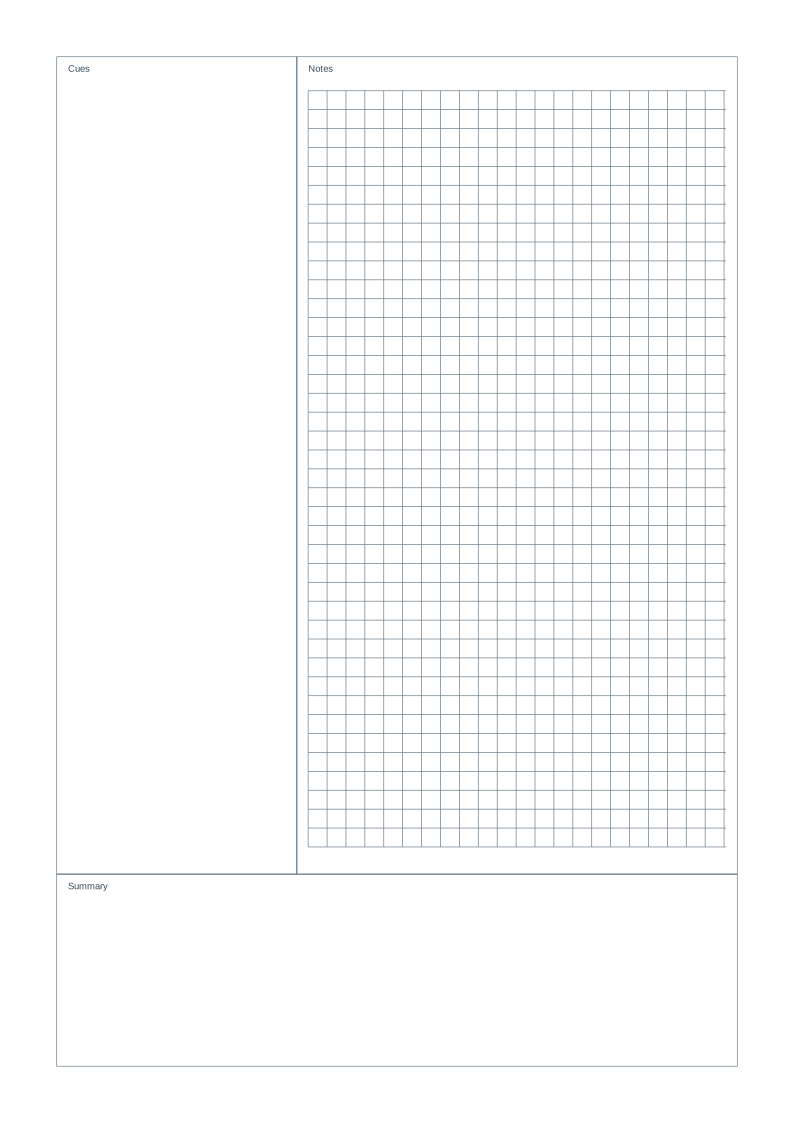
Equations and diagrams on the right, questions on the left, and a summary below. A ready-made Cornell page with a 5mm notes grid.
Choose your paper size
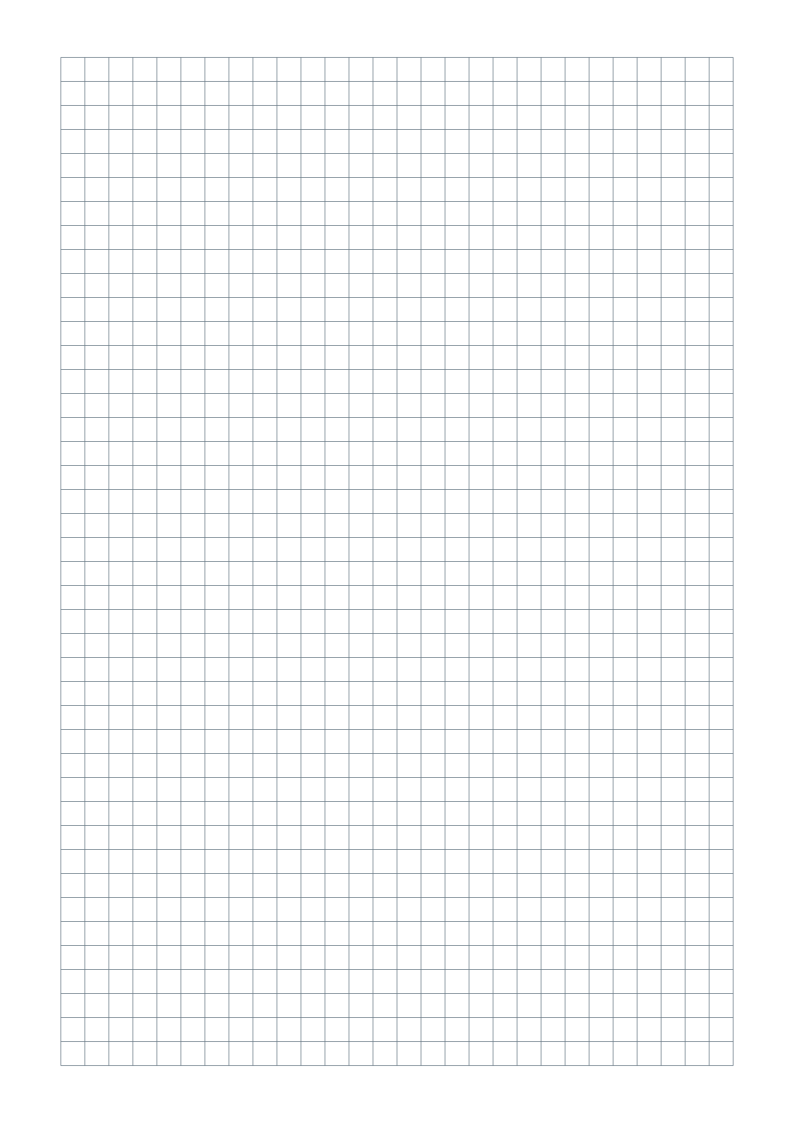
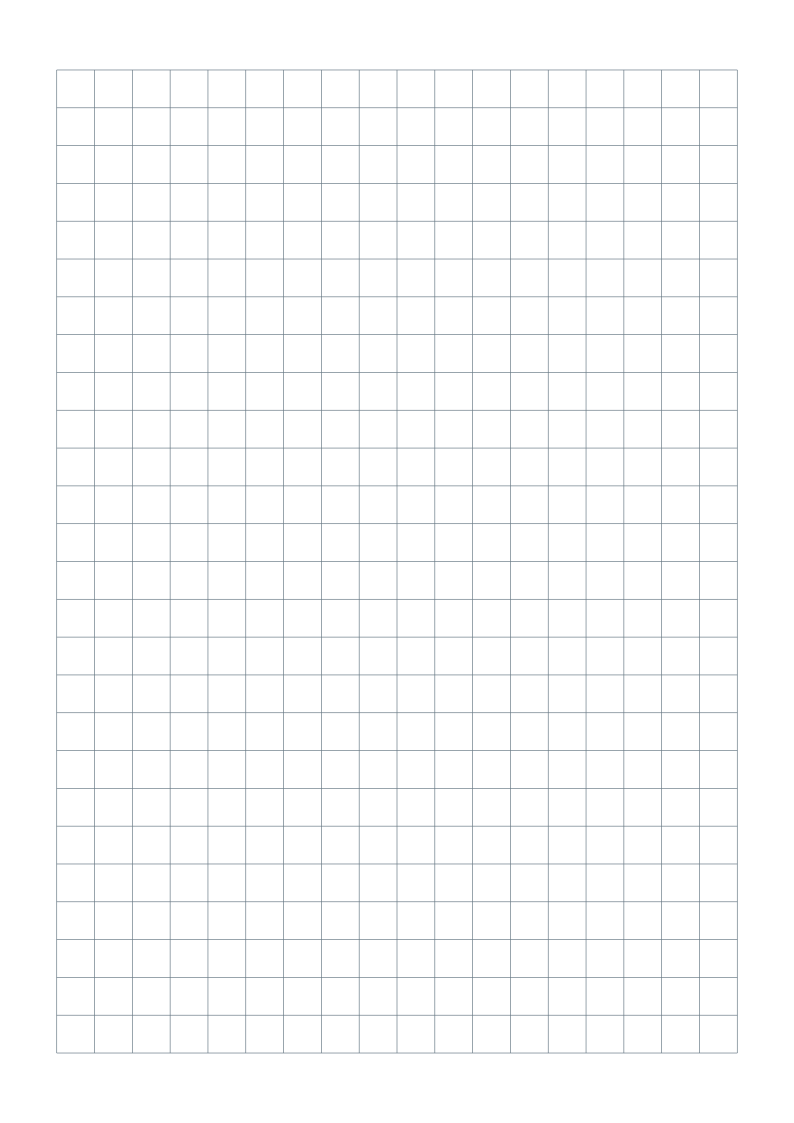
Portrait sheets with 5 mm squares in the notes area, gray lines and at least 15 mm margins. No title, name/date fields or footer.
One-page vector PDFs · Free for personal, classroom and business use
Customize this notes layout in the generator ↗
Need help choosing? Compare A4 and US Letter.
What is included?
| Format | Page size | Pattern |
|---|---|---|
| A4 | 210 × 297 mm | 63.5 mm cue column · 50.8 mm summary · grid notes |
| US Letter | 215.9 × 279.4 mm | 63.5 mm cue column · 50.8 mm summary · grid notes |
The spacing stays the same physical size across paper formats. A cue column and summary box stay blank. Only the notes area is gridded.
How is Cornell graph paper arranged?
The cue column is 63.5 mm wide and the summary box is 50.8 mm high, measured inside the 15 mm page margins. The notes area has a 5 mm grid. The cue and summary sections are blank apart from their labels.
Use the grid for formulas and diagrams
Align calculations or sketch a diagram in the notes area, then add questions and keywords in the cue column. After reviewing, write a short summary in the bottom box. For horizontal writing lines or a different section size, open the Cornell notes generator. This is an independent, adjustable template.
Print at the right size
- Download the version matching the paper in your printer.
- Open the PDF and select portrait, Actual size or 100%. Disable Fit, Shrink and multiple pages per sheet.
- Print one test sheet and measure ten grid intervals: they should span 50 mm.
Read the full actual-size printing guide ↗
Common questions
Does the 5mm grid cover the entire Cornell page?
No. Only the main notes area is gridded. The cue column and summary box remain open for questions and reflection. Ten grid intervals should measure 50 mm on an actual-size print.
Can I add a title, name/date or footer?
Yes. Open this preset in the generator, then enable the optional fields. You can also adjust margins, color, orientation and spacing before exporting a new PDF.
Can I share these sheets with my class?
Yes. You may download, print and photocopy the sheets for personal, classroom and business use. Share this page so others can choose the right paper format.