Free printable PDF · No watermark
5mm graph paper.
Small squares for equations, measured sketches and everyday planning. Pick your paper size and print a clean sheet in one click.
Choose your paper size
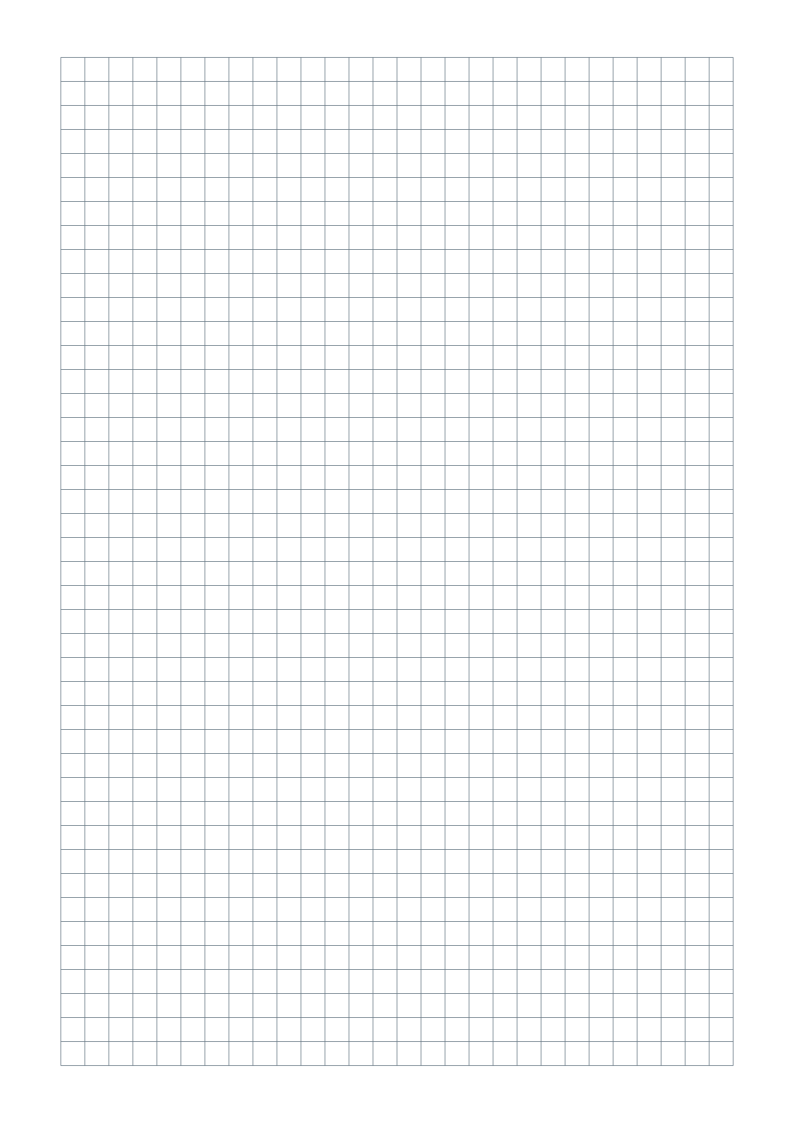
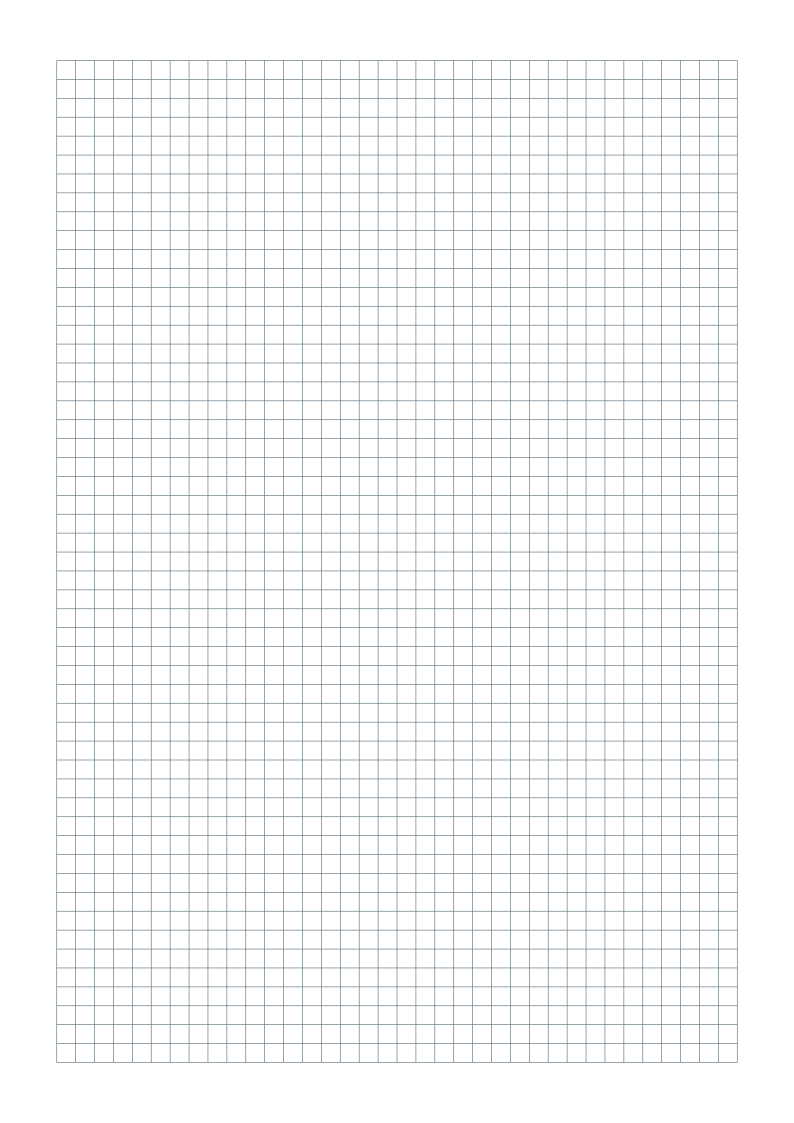
Portrait sheets with 5 mm squares, gray lines and at least 15 mm margins. No title, name/date fields or footer.
One-page vector PDFs · Free for personal, classroom and business use
Customize this grid in the generator ↗
Need help choosing? Compare A4 and US Letter.
What is included?
| Format | Page size | Complete squares across × down |
|---|---|---|
| A4 | 210 × 297 mm | 36 × 53 squares |
| US Letter | 215.9 × 279.4 mm | 37 × 49 squares |
The pattern is centered inside the margins. A4 and Letter use the same spacing; the number of squares changes with the page size. All grid lines have the same weight, without bold counting lines.
What does a 5mm grid mean?
Each square is 5 mm wide and 5 mm tall in the PDF. Two squares make 1 cm; ten squares span 50 mm. This metric grid works well for plotting coordinates, organizing handwritten calculations and drawing diagrams.
5mm or quarter inch?
A quarter-inch square is 6.35 mm wide, so it gives handwriting a little more room and fits fewer cells on the same sheet. Choose quarter-inch graph paper for an assignment specified in inches. For a lighter guide without connecting lines, try 5mm dot grid paper.
Print at the right size
- Download the version matching the paper in your printer.
- Open the PDF and select portrait, Actual size or 100%. Disable Fit, Shrink and multiple pages per sheet.
- Print one test sheet and measure ten squares: they should span 50 mm.
Read the full actual-size printing guide ↗
Common questions
How do I check that the printed squares are 5mm?
Measure across ten complete squares, from the first grid line to the eleventh. The distance should be 50 mm. If it is different, check the paper size and disable Fit or Shrink in the print dialog.
Can I add a title, name/date or footer?
Yes. Open this preset in the generator, then enable the optional fields. You can also adjust margins, color, orientation and spacing before exporting a new PDF.
Can I share these sheets with my class?
Yes. You may download, print and photocopy the sheets for personal, classroom and business use. Share this page so others can choose the right paper format.