Free printable PDF · No watermark
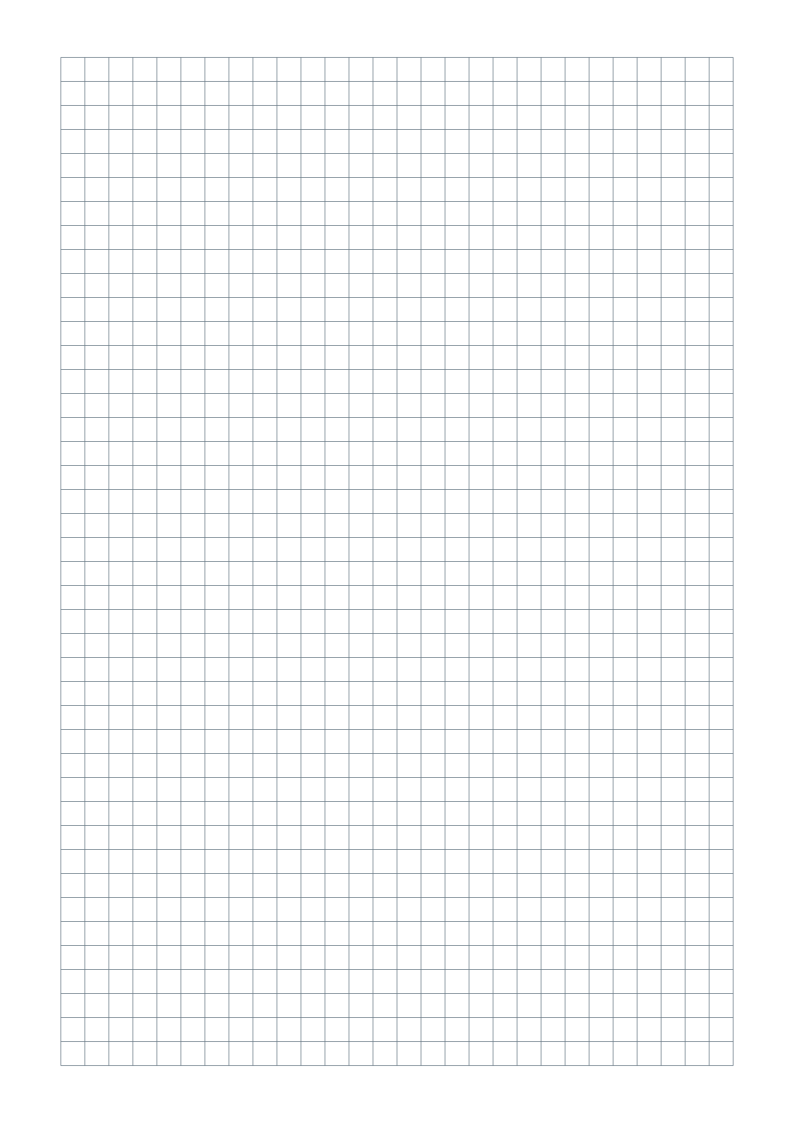
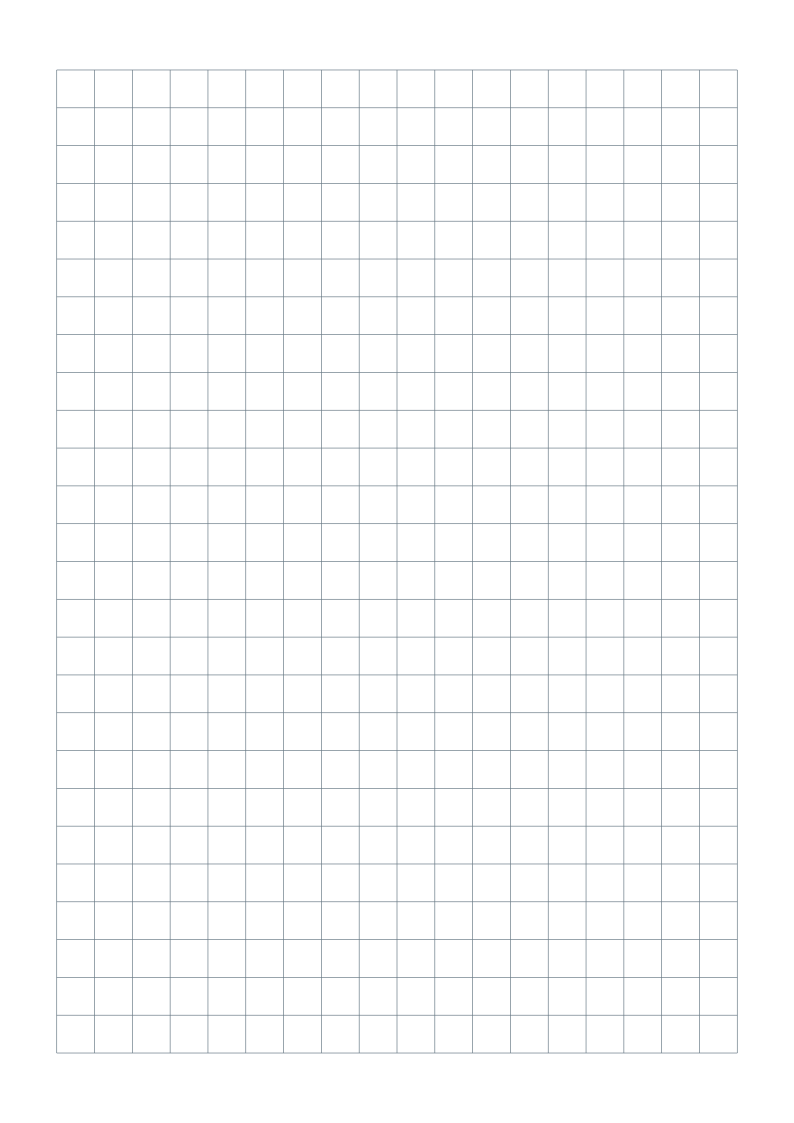
A5 dot grid paper.
A smaller sheet for a journal, planner or notebook insert. Print a true A5 page with a quiet 5mm dot grid.

Choose your paper size
Portrait sheets with 5 mm dot spacing, gray dots and at least 15 mm margins. No title, name/date fields or footer.
One-page vector PDFs · Free for personal, classroom and business use
Customize this dot grid in the generator ↗
Need help choosing? Compare A4 and US Letter.
What is included?
| Format | Page size | Pattern |
|---|---|---|
| A5 | 148 × 210 mm | 24 × 37 dots |
The spacing stays the same physical size across paper formats. Dots are spaced center to center; there are no connecting lines.
What size is A5?
A5 is 148 × 210 mm. This PDF is already A5; it does not need to be reduced from A4. The dots are 5 mm apart, measured from center to center in both directions.
Print onto matching paper
Choose A5 in your printer settings and print at 100%. If your printer cannot feed A5, place the page on larger paper without scaling and trim to the A5 boundary. Fitting two A4 pages onto a sheet would change their spacing. For larger pages, use 5mm A4 and Letter dot paper.
Plan an insert before punching holes
The ready-made sheet has 15 mm blank margins. Check your binder or notebook before cutting or punching; hole positions and binding requirements vary. Use the generator to adjust the page margins before exporting a new sheet.
Print at the right size
- Download the version matching the paper in your printer.
- Open the PDF and select portrait, Actual size or 100%. Disable Fit, Shrink and multiple pages per sheet.
- Print one test sheet and measure ten dot intervals: they should span 50 mm.
Read the full actual-size printing guide ↗
Common questions
Will shrinking an A4 dot grid give me the same 5mm A5 grid?
No. Shrinking a larger sheet reduces the dot spacing. Download this A5 PDF and print at 100%; ten dot intervals should span 50 mm.
Can I add a title, name/date or footer?
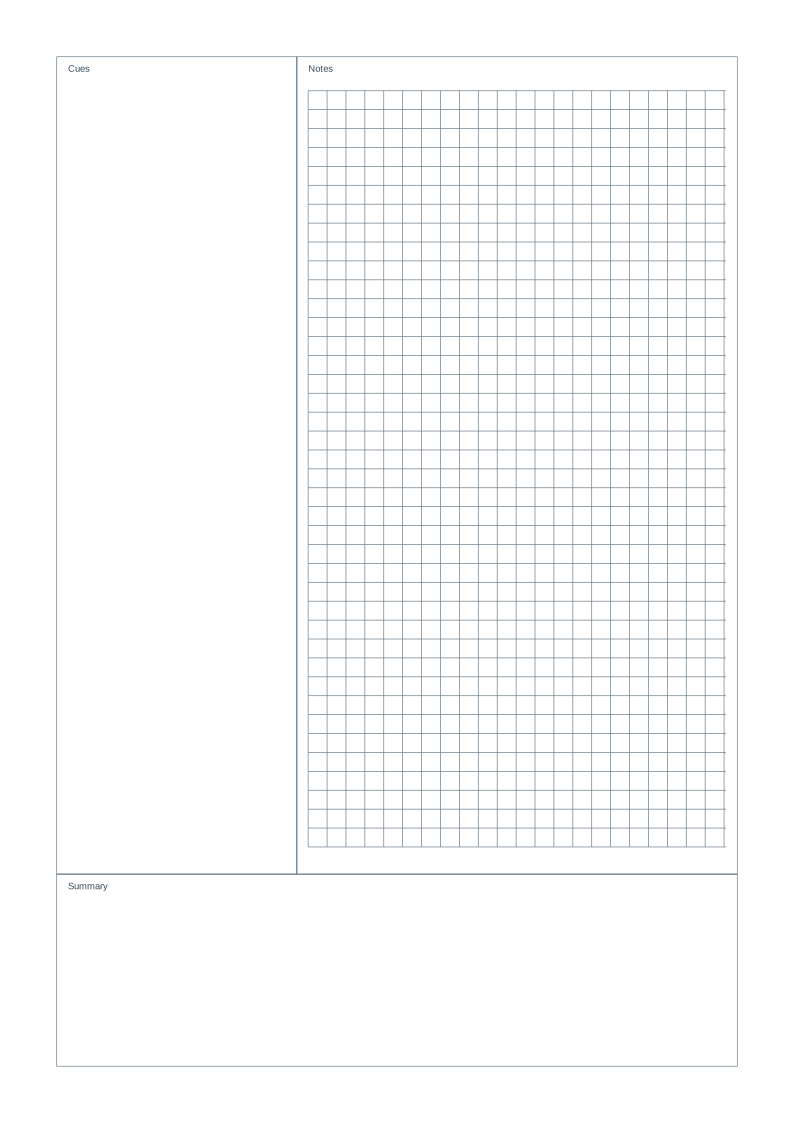
Yes. Open this preset in the generator, then enable the optional fields. You can also adjust margins, color, orientation and spacing before exporting a new PDF.
Can I share these sheets with my class?
Yes. You may download, print and photocopy the sheets for personal, classroom and business use. Share this page so others can choose the right paper format.