A good place to begin
Free printable
cornell notes.
Listen. Question. Make it stick. Customize a sheet, download a PDF, and make something yours.
Customize this paper ↓


Your cornell notes
Skip the setup
Ready to print.
Exact spacing. Choose a paper format and download a ready-made sheet.
A page with a purpose
Make room for your ideas.
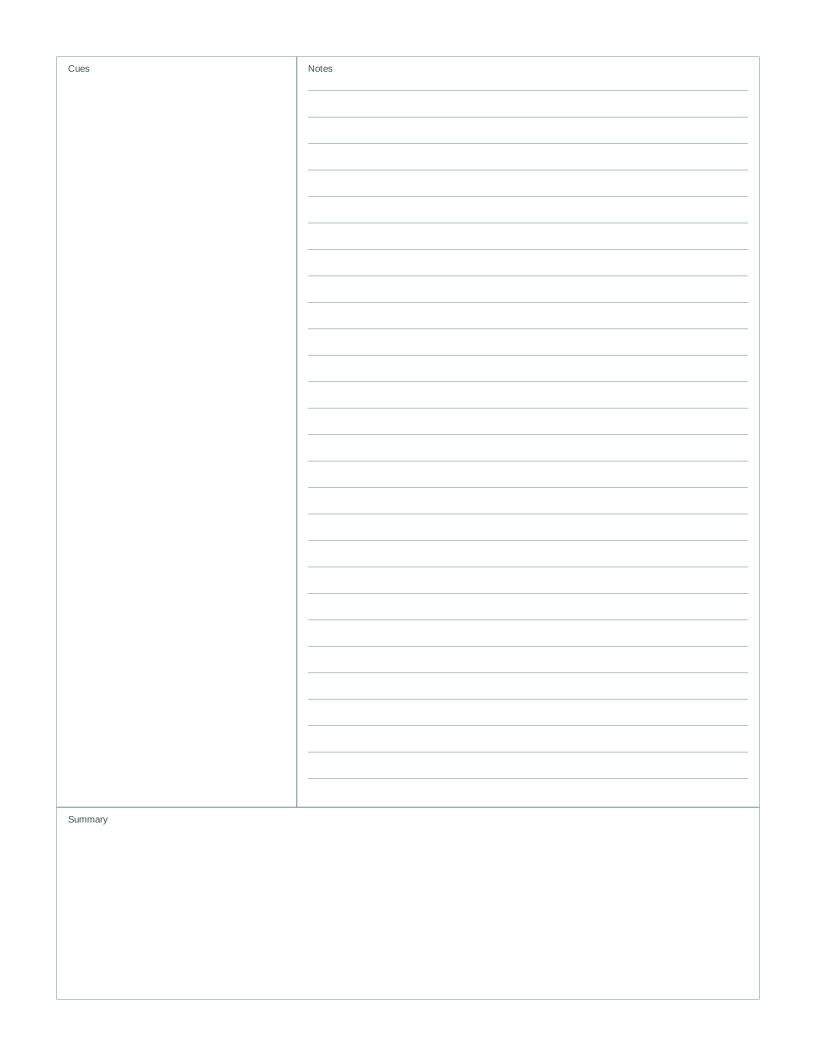
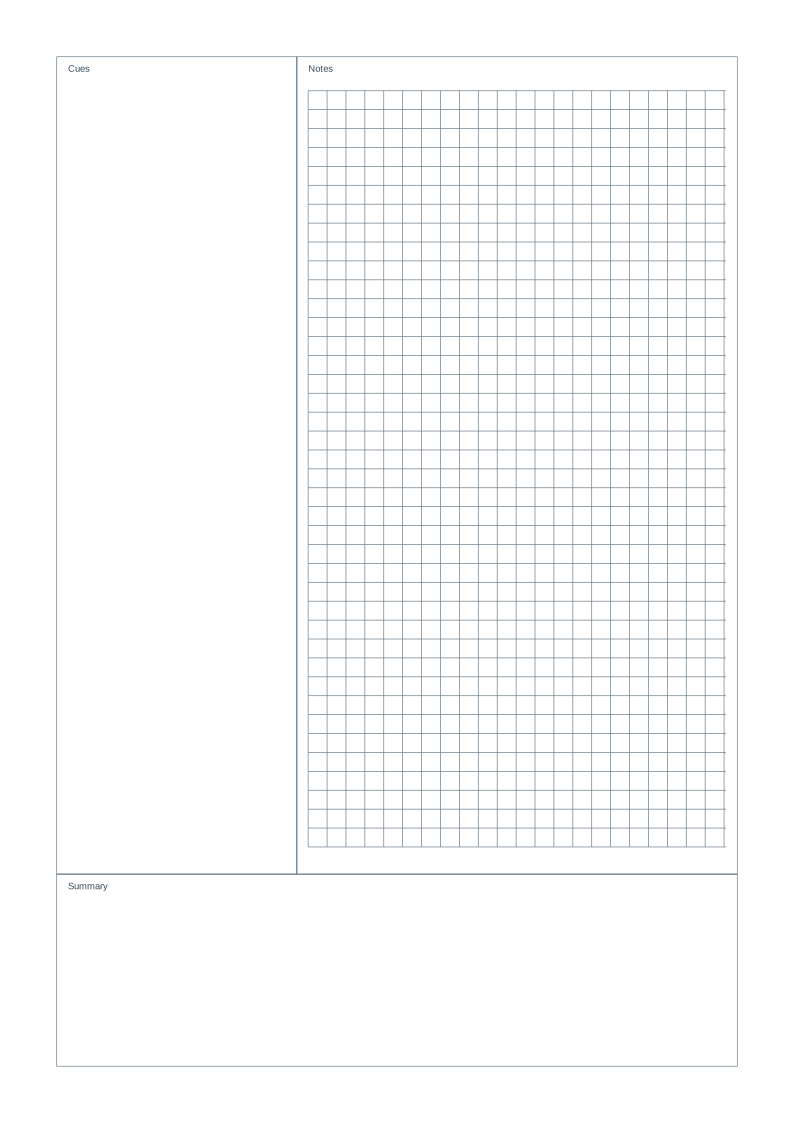
Give your lecture notes a place to become questions, connections and a useful summary. Make a page with separate spaces for cues, notes and reflection.
The left column holds questions or keywords, the larger right column holds notes, and the bottom box holds your summary. Choose lined, grid or blank notes, then adjust cue-column width and summary height inside your page margins.
- 1
Pick your paper
Start with a grid, lines, dots or something a little more specialized.
- 2
Get the details just right
Choose your paper size, spacing and color. The preview updates as you go.
- 3
Download. Print. Begin.
Your PDF has exact dimensions. Match your printer’s paper size and choose Actual size.
A few things worth knowing
Before you put pen to paper.
Learn the method from Cornell University’s Learning Strategies Center. This independent template is not an official Cornell University form.
What are the three areas on a Cornell notes page?
The cue column on the left is for questions and keywords. The main notes area on the right holds information from a lesson, book or meeting. The bottom box is for a short summary in your own words.
Can I change the Cornell notes layout?
Yes. Set cue-column width from 40 to 80 mm and summary height from 30 to 70 mm, measured inside the page margins. Choose lined, grid or blank notes. The default cue column is 63.5 mm and the summary box is 50.8 mm high; this is an adjustable adaptation, not an official university form.
Can I add a topic and my name?
Open Title & footer to add a topic, name/date lines or a footer. These optional fields reserve their own space above or below the notes layout. Notes spacing stays the same physical size.
Is this paper really free?
Yes. Customize and download as many sheets as you need. The PDFs have no watermark, and there is no account to create.
How do I print at the correct size?
Download the PDF, open it in your PDF viewer and select the same paper size you chose here. Print at 100% or Actual size, rather than Fit to page. Measure a test sheet before using the grid for precise work. See the full guide.
Does it work with A4, A5 and US Letter?
Yes. A4 is 210 × 297 mm and A5 is 148 × 210 mm. US Letter is 8.5 × 11 inches (215.9 × 279.4 mm). Switch the paper size before downloading so the PDF matches your printer.
Can I use these sheets in a classroom or at work?
Yes. You may print and photocopy the sheets you generate for personal, classroom and business use. Check the output first if exact measurements matter.
Are my settings or files uploaded?
Paper is generated on your device. Your preferences are saved in this browser so you can return to them. Sharing settings puts those choices in the link; it does not upload a document.