A good place to begin
Free printable
coordinate paper.
A clear place to plot your next point. Customize a sheet, download a PDF, and make something yours.
Customize this paper ↓


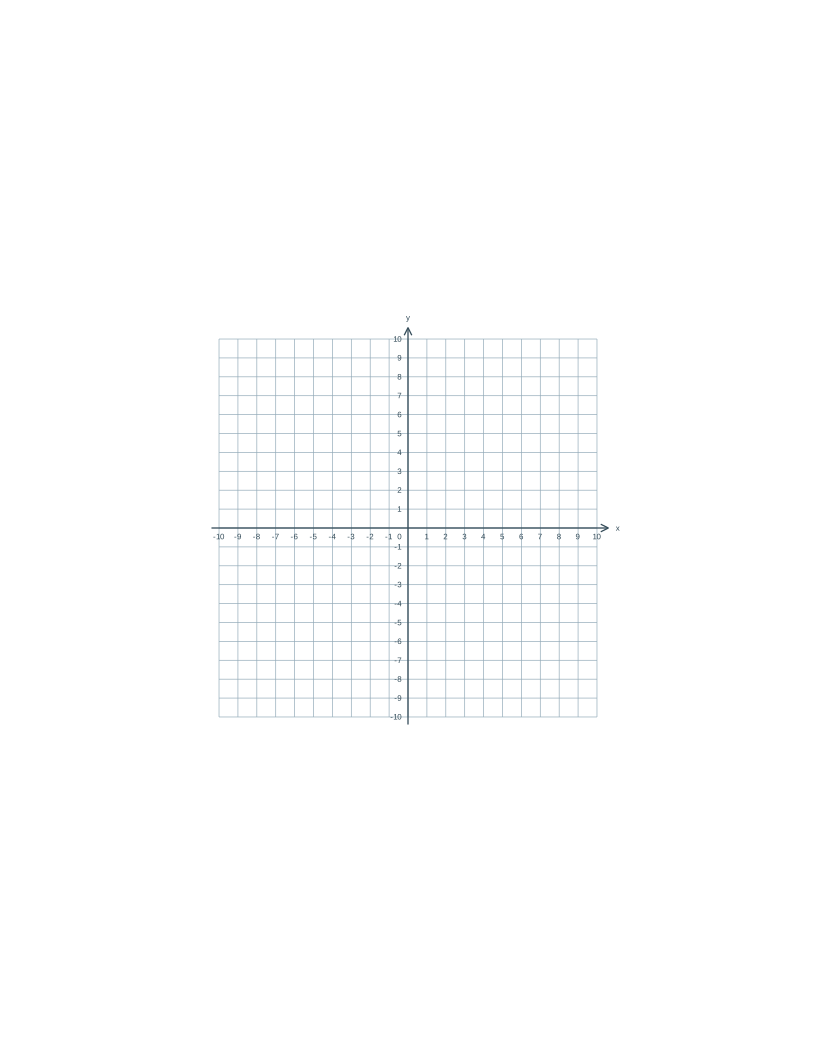
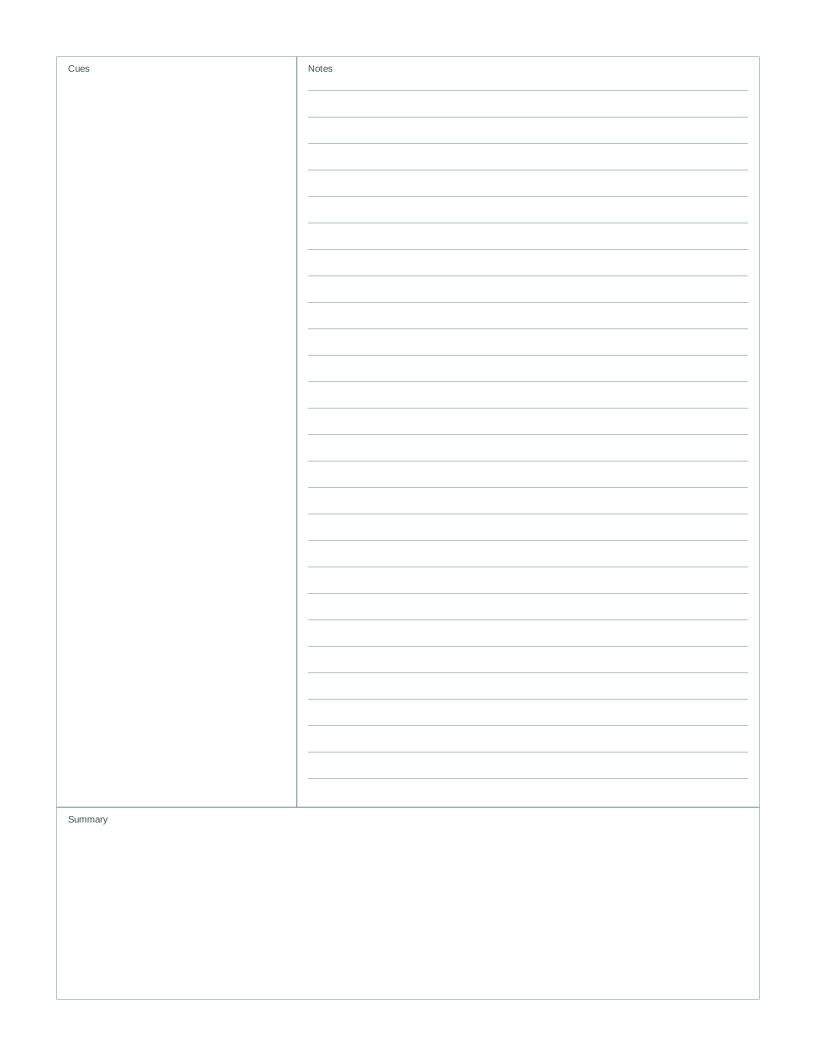
Your coordinate paper
A page with a purpose
Make room for your ideas.
Plot points, compare functions or make a worksheet for your next lesson. Start with one coordinate plane, or put several graphs on a single sheet.
Choose all four quadrants for positive and negative coordinates, or the first quadrant for nonnegative values. Each grid interval represents one unit. Grid spacing sets its printed size in millimeters; the preview reports the range that fits.
- 1
Pick your paper
Start with a grid, lines, dots or something a little more specialized.
- 2
Get the details just right
Choose your paper size, spacing and color. The preview updates as you go.
- 3
Download. Print. Begin.
Your PDF has exact dimensions. Match your printer’s paper size and choose Actual size.
A few things worth knowing
Before you put pen to paper.
Can I print two or four coordinate planes on one sheet?
Yes. Choose 1, 2 or 4 graphs per page. Two graphs are stacked on portrait sheets and placed side by side on landscape sheets. Four use a 2 by 2 layout. Every panel uses the same physical grid spacing.
Why does the preview show fewer units than I requested?
The requested range must fit inside the selected paper size, margins and panel count at your exact grid spacing. When space is tight, the axes use fewer units rather than shrink the grid. Choose smaller spacing, fewer panels or smaller margins for a larger range.
What does one square represent?
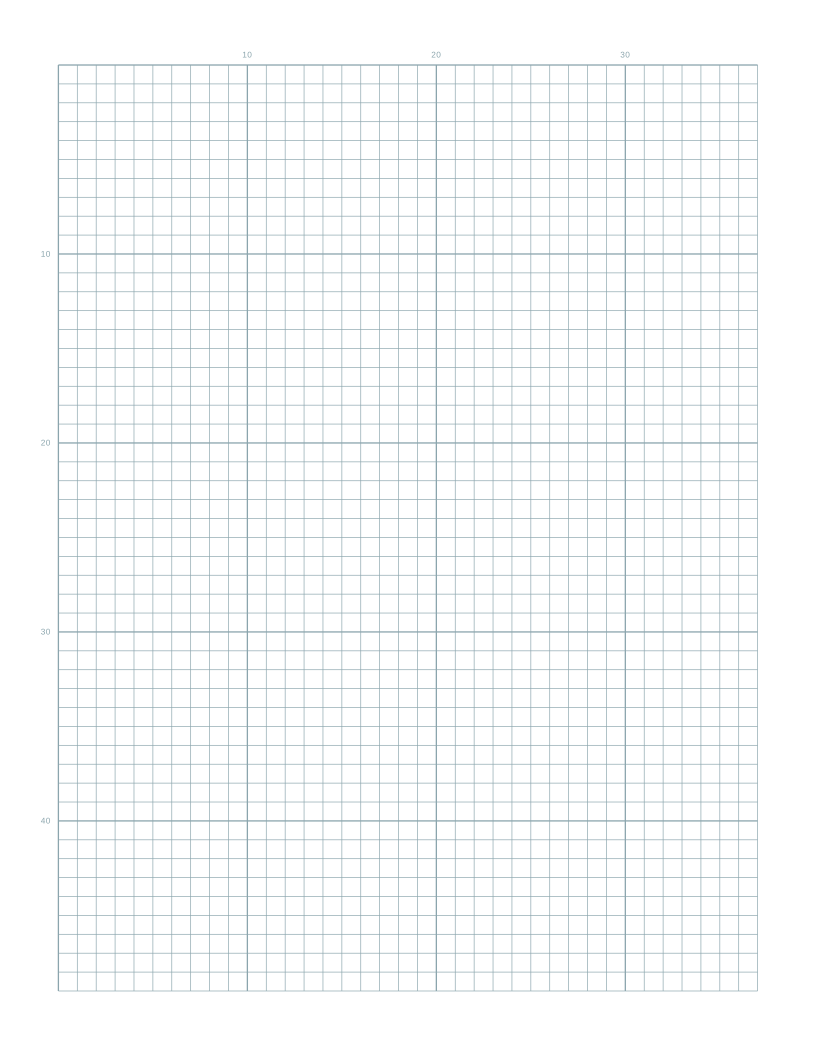
Each grid interval represents one coordinate unit. Changing the millimeter spacing changes the printed size of a unit, while the numbered x and y axes still count in whole units. Turn coordinate numbers off for a blank-axis worksheet.
Is this paper really free?
Yes. Customize and download as many sheets as you need. The PDFs have no watermark, and there is no account to create.
How do I print at the correct size?
Download the PDF, open it in your PDF viewer and select the same paper size you chose here. Print at 100% or Actual size, rather than Fit to page. Measure a test sheet before using the grid for precise work. See the full guide.
Does it work with A4, A5 and US Letter?
Yes. A4 is 210 × 297 mm and A5 is 148 × 210 mm. US Letter is 8.5 × 11 inches (215.9 × 279.4 mm). Switch the paper size before downloading so the PDF matches your printer.
Can I use these sheets in a classroom or at work?
Yes. You may print and photocopy the sheets you generate for personal, classroom and business use. Check the output first if exact measurements matter.
Are my settings or files uploaded?
Paper is generated on your device. Your preferences are saved in this browser so you can return to them. Sharing settings puts those choices in the link; it does not upload a document.